
PSTN Switch Off Checklist: A 90-Day Step-by-Step Plan
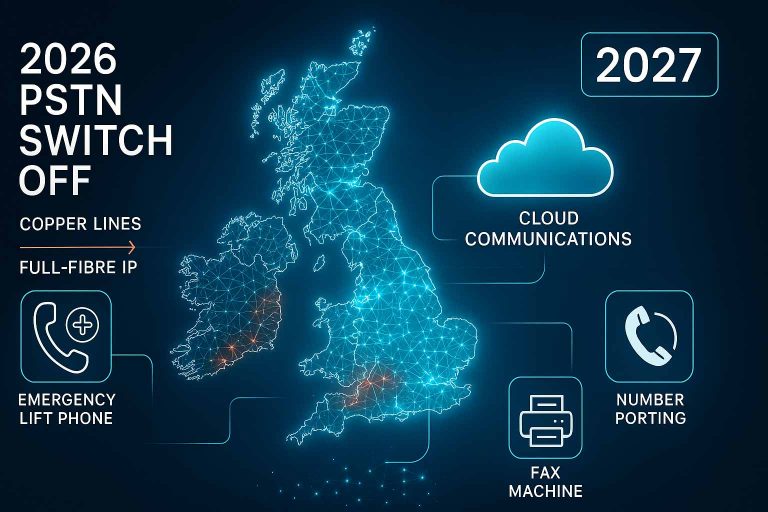
The 2027 PSTN switch-off is no longer a distant deadline; it is an operational reality. For UK businesses, moving from legacy copper to digital VoIP requires more than just new handsets—it requires a structured, 90-day migration strategy to ensure no critical services are left behind. From emergency lift phones to Redcare alarms, our step-by-step framework ensures your business is “Future-Ready” before the copper network goes dark.
CTA: Download the 2027 Readiness Guide → https://talkingvoip.co.uk/contact/
Why a 90-Day Timeline is Critical for Migration
The transition away from the Public Switched Telephone Network (PSTN) is the largest shake-up in UK telecoms history. While the final “switch-off” is scheduled for January 31, 2027, the reality for most businesses is much closer. Many Openreach exchanges have already entered “Stop-Sell” phases, meaning you cannot order new copper lines or even change your existing ones.
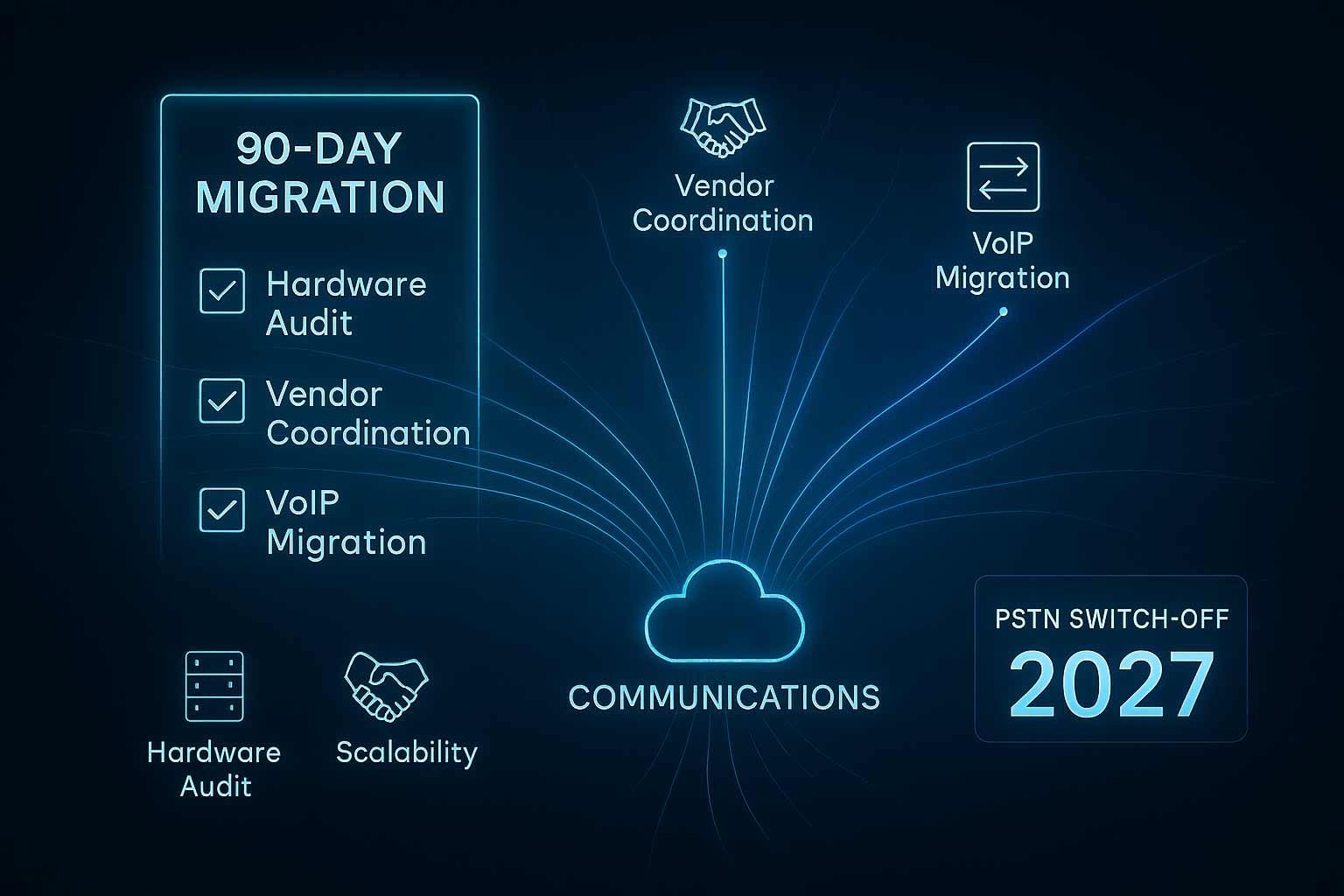
If you wait until the final quarter of 2026, you risk facing severe engineer shortages, hardware backlogs, and prolonged number-porting delays. A 90-day window allows for a phased approach: Discovery, Coordination, and Execution. This timeline ensures that non-voice services—like alarms, lifts, and payment terminals—continue to function seamlessly once the copper lines are deactivated.
Phase 1: Month 1 – The Discovery Audit (Weeks 1–4)
Most IT Managers and Ops Leads are surprised to find exactly how many services still rely on analogue PSTN lines. The goal of Month 1 is total visibility. You cannot migrate what you haven’t mapped.
Perform a Comprehensive “Floor Walk”
Physically walk through your premises and identify every active phone socket. You are looking for devices that have been “set and forget” for years:
- The Server Room: Locate all ISDN2 or ISDN30 circuits that feed your current PBX.
- The Lift Motor Room: Emergency lift phones are almost always PSTN-based and represent a major compliance risk.
- Security & Access: Warehouse gate intercoms, door entry systems, and panic buttons.
- Legacy Hardware: Don’t overlook the dusty fax machine in accounts or the franking machine in the post room.
Audit Your Connectivity
VoIP requires stable internet. Audit your current bandwidth to ensure you have the capacity for high-definition voice traffic. We recommend transitioning to SoGEA or Full Fibre (FTTP) during this phase to provide the necessary data foundation for your digital voice system.
Phase 2: Month 2 – Vendor Coordination (Weeks 5–8)
In Month 2, the focus shifts to third-party integrations. Many essential business services are managed by external vendors who may not be aware of your specific PSTN migration timeline.
Critical Vendor Questions
Contact your alarm, lift, and EPOS providers. Do not assume they will proactively contact you. Ask them specifically:
- “Is this unit natively IP-compatible over a standard internet connection?”
- “Does it require an ATA (Analogue Telephone Adapter) for signal conversion?”
- “Do I need a GSM/4G gateway as a secondary backup to meet safety regulations?”
The Talking VoIP Migration Risk Index (MRI)
| Site Component | Current Status | Action Required |
|---|---|---|
| Main Phone Lines | Non-Digital / ISDN | Port to Cloud Voice / SIP |
| Emergency Lift Phone | Analogue PSTN | Install GSM Gateway |
| Intruder Alarm | PSTN Dialler | Upgrade to IP Signalling |
| Fire Alarm | PSTN Dialler | Fire Safety Officer Sync |
Phase 3: Month 3 – Execution & Porting (Weeks 9–12)
The final month is where the digital switch happens. This is the most sensitive part of the process, particularly regarding Number Portability.
⚠ The Golden Rule of Number Porting
Warning: Do not cancel your old BT or Openreach contracts until Talking VoIP confirms the port is 100% verified and active. Cancelling a legacy contract too early can result in your business numbers being returned to the “range holder” pool, potentially losing them forever.
Final Execution Steps
- Submit Porting Requests: Provide Talking VoIP with a recent bill to verify the exact Postcode and Main Billing Number.
- Hardware Configuration: Install your 3CX System or new VoIP handsets and test internal connectivity.
- Staff Training: Ensure your team is comfortable with new digital features like Microsoft Teams Integration and mobile softphones.
- The Cutover: Once the port is confirmed, we flip the switch. Your old lines will go dead, and your new digital system will take over instantly.
Expert Insight: The “Silent Killers” of Migration
“The biggest mistakes we see aren’t with the phones; they are with the ‘forgotten’ services like Redcare alarms or out-of-hours gate controls. These legacy devices often use low-frequency signalling that simply doesn’t work over VoIP without the correct interface. Month 2 coordination is what separates a successful migration from an operational disaster.” — Talking VoIP Technical Lead
Operational Tip: The “Pilot” Test
Before migrating your entire multi-site estate, select one “Pilot” site. Run it on the new digital platform for 7 days. This allows you to identify any firewall issues or bandwidth bottlenecks in a controlled environment before the company-wide rollout. This reduces project risk and builds confidence among stakeholders.